How to visualize the wallpaper on your wall
1
Upload a photo of your wall
Stand back so the whole wall is visible. Good lighting helps.
2
Drag the edges to fit your wall
A rectangle starts in the middle — pinch each side in or out by grabbing the edge.
3
Outline objects in the way (optional)
If a couch or shelf blocks your wall, click + Add Object and click around it. The wallpaper will skip that area.
How would you like to visualize?
Choose a room scene or upload your own wall photo.
Preview in Room
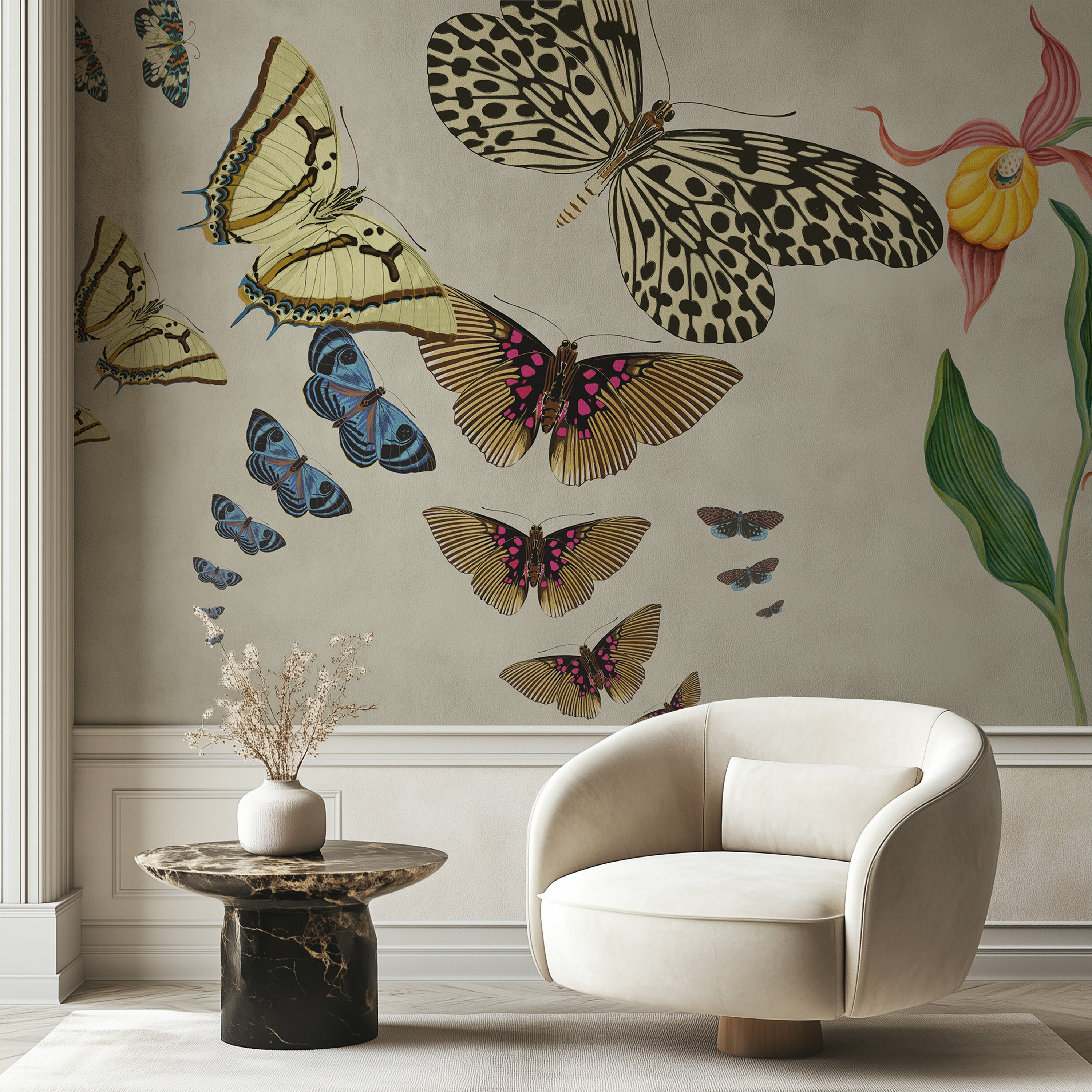
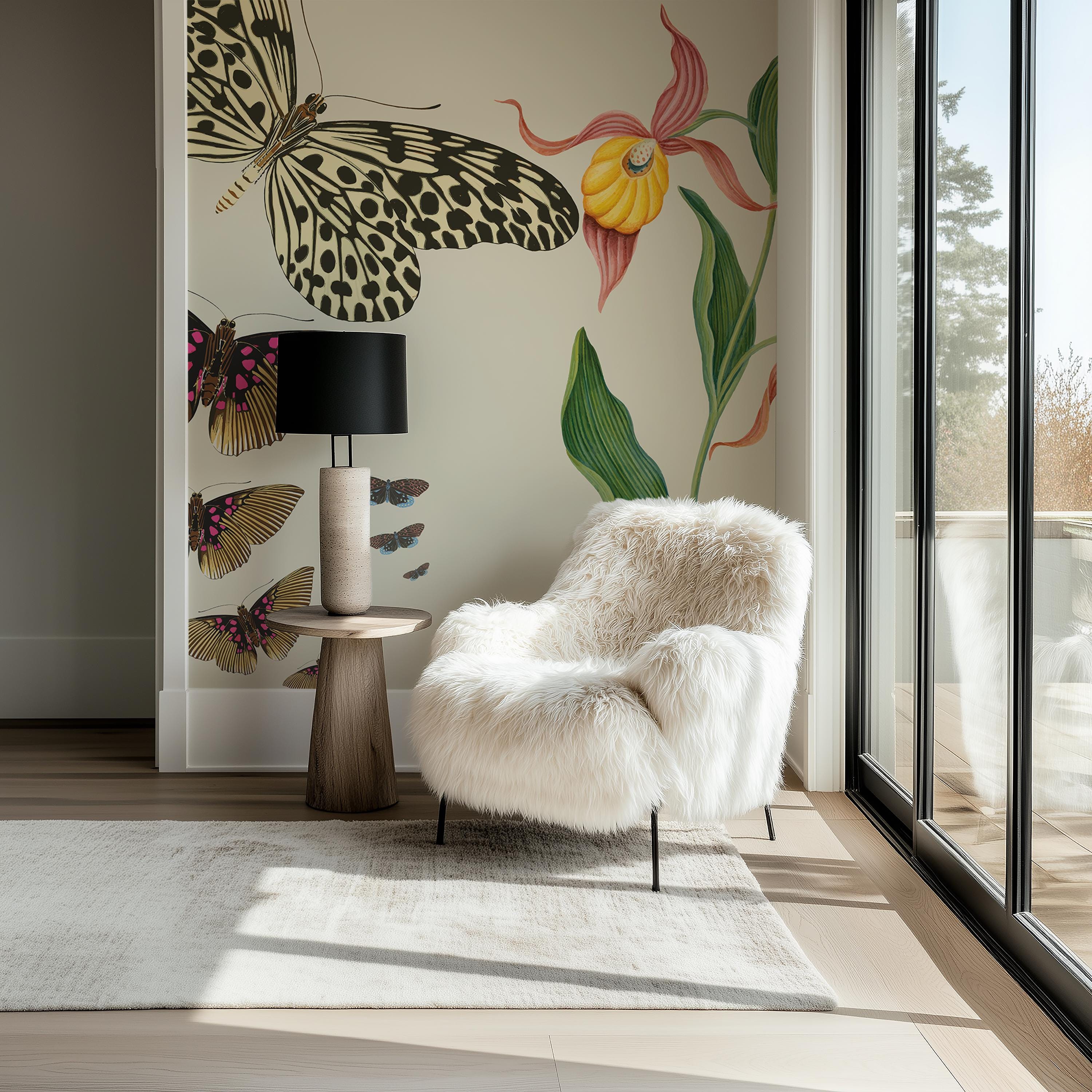
Pick a wall, then drag the mural to position the part of the pattern you want to see.
Drag the wallpaper to reposition
Upload Your Wall Photo
Take a photo of your wall and upload it to see how this wallpaper will look.
Click to upload or drag and drop
JPG, PNG — max 10MB
Mark Your Wall
Drag each edge of the rectangle to fit your wall.
Your Wall Preview
Drag to reposition the mural on the wall.